API proxy
Update on the Core & UI to have an API Proxy Call Functionality on synQup. For more information, check the Ticket mentioned above.
A new role “ROLE_API_PROXY” was also created to be assigned on the Users for them to be able to use this feature. An update on the User Page on the UI is also included on this feature to be able to assign the new role to the Users.
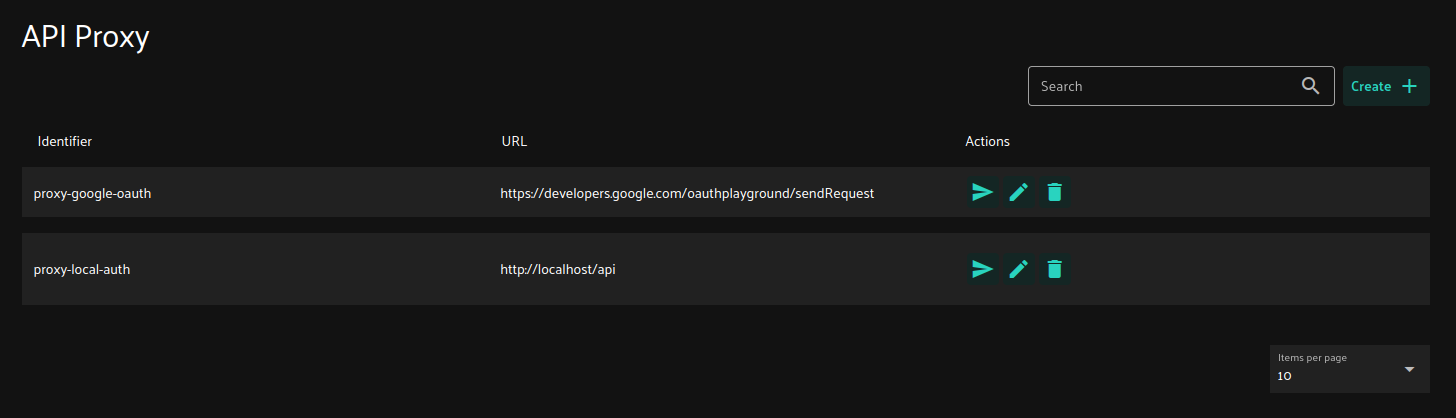
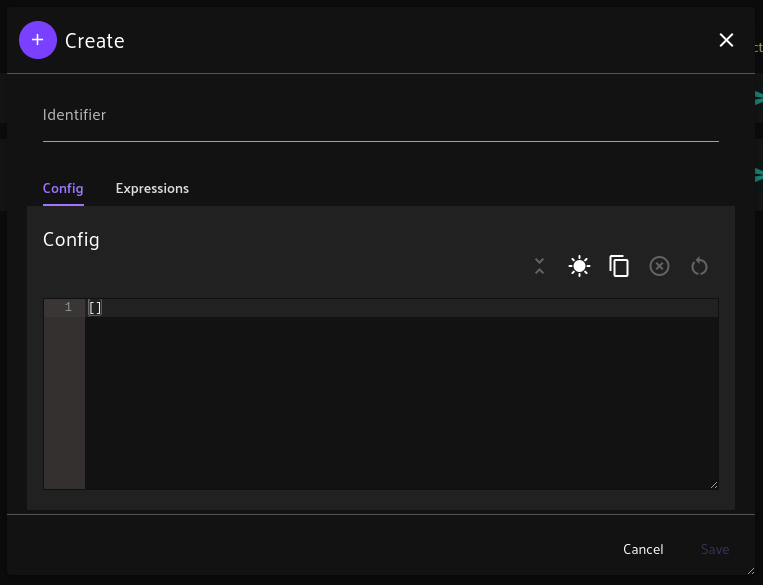
A CRUD functionality for the API Proxy was created in the UI where it only have the Identifier, Config (JSON), and the Expressions (JSON) fields.
The config field has a lot of required keys to be filled/configured.
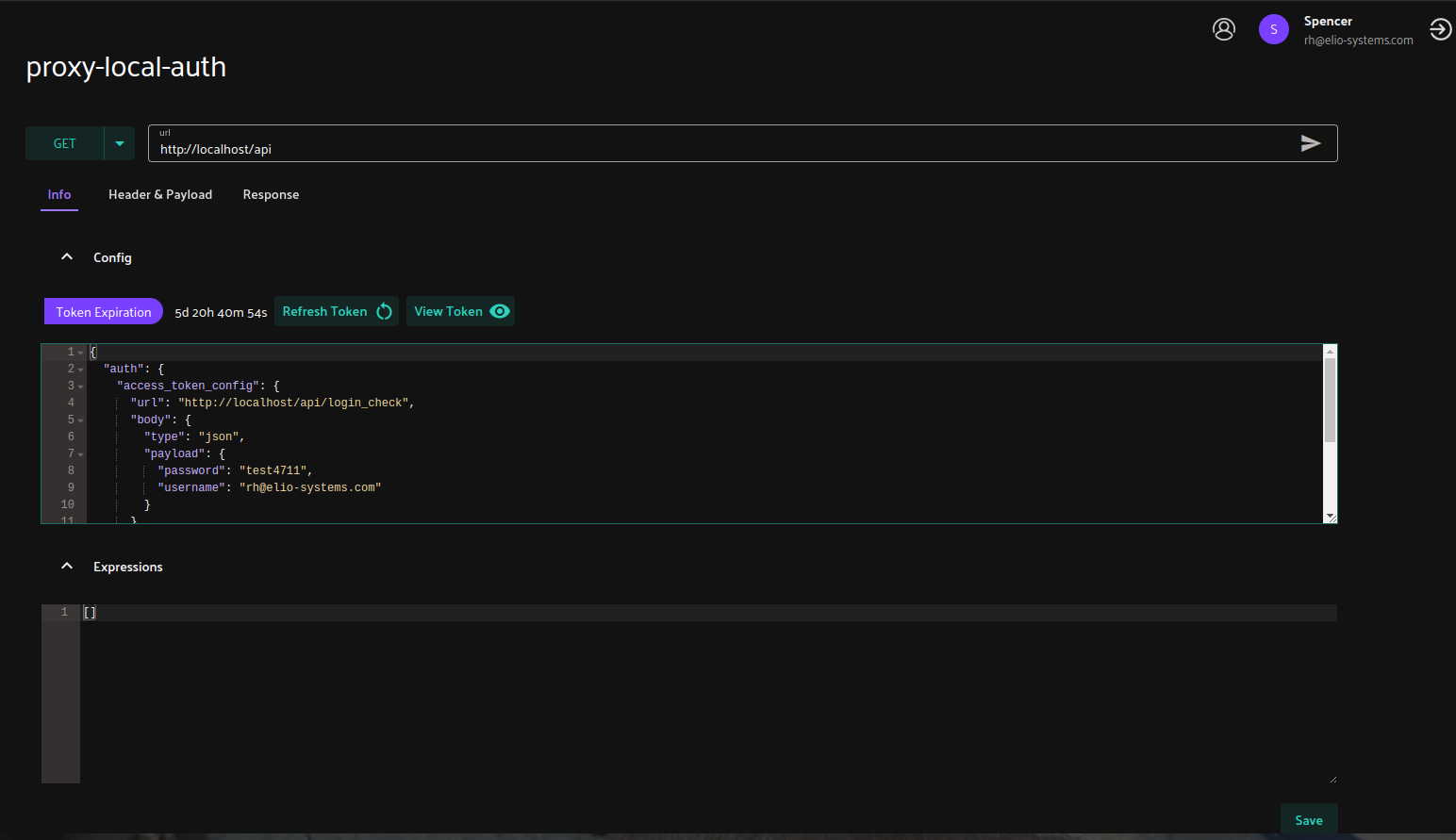
Bearer Authentication:
{
  "auth": {
    "access_token_config": {
      "url": "http://localhost/api/login_check",
      "body": {
        "type": "json",
        "payload": {
          "password": "userPassword",
          "username": "user@synqup.com"
        }
      }
    },
    "refresh_token_config": [],
    "response_field_config": {
      "access_token_field": "token"
    }
  },
  "baseUrl": "http://localhost/api"
}
oAuth2 Authentication:
{
  "auth": {
    "access_token_config": {
      "url": "https://developers.google.com/oauthplayground/exchangeAuthCode",
      "body": {
        "type": "json",
        "payload": {
          "code": "4/0AVG7fiQjK5CgBGlvFHL_r8PPJ54JycsxweesqLukAyh51yrjvKEd95PX9LCF1CL3Th99fQ",
          "token_uri": "https://oauth2.googleapis.com/token"
        }
      }
    },
    "refresh_token_config": {
      "url": "https://developers.google.com/oauthplayground/refreshAccessToken",
      "body": {
        "type": "json",
        "payload": {
          "token_uri": "https://oauth2.googleapis.com/token"
        }
      }
    },
    "response_field_config": {
      "access_token_field": "access_token",
      "refresh_token_field": "refresh_token",
      "refresh_token_expiration_field": "expires_in"
    }
  },
  "baseUrl": "https://developers.google.com/oauthplayground/sendRequest"
}
The baseURL simply contains the target URL of the Proxy Config.
The auth field contains the configuration for the authentication of the target URL and contains the access_token_config, refresh_token_config, and the response_field_config.
- For the access_token_config field, it requires url and the body fields:
- url - the link for the token provider.
- body - contains the payload type and the payload itself that will be sent. The payload is flexible to support different authentication types. Where as you can see from the examples above, The Bearer Authentication Type has the “username” and the “password” keys as required on the synQup and the oAuth2 Type has the “code” and the “token_uri” as required by the Google’s oAuth2 Playground.
- For the refresh_token_config, this is only required for the Auth Type that gives Refresh Token like the oAuth2 and is not required for the Bearer Authentication Type like in synQup. The Refresh Token expires longer than the Access Token for the sole purpose of refreshing the Access Token, expired or not. To be able to use this, the refresh_token_config also uses the same structure like the access_token_config where it also uses the url and body to be able to Refresh the Access Token.
- For the response_field_config:
- The access_token_field is required for both Authentication types where it defines the field name of the access token from the response.
- The refresh_token_field is optional and is only for the oAuth2 Type where it defines the field name of the refresh token from the response.
- Lastly, the refresh_token_expiration_field is also optional and follows the refresh_token_field for defining the expiration field for the refresh token. This field can also set the expiration time of the Refresh Token directly in Seconds.
Now, for the expressions field that is used for altering the headers, payload, and the response which are also the main keys on the expressions field. Each of them also have the field and the expressions keys. The expressions key simply contains an array of Symfony Expression Language to be applied on the headers, payload, or in the response. While the field key is used for defining the field’s name that will be altered from the response.
A ExpressionClassHelper was also created for using the Symfony Expression which has two methods:
- getClass(string $fqcn, array $params = []) for returning an instance of the Class and being able to use its
functions in the expression.
- setObjectValue(object $object, string $field, mixed $value) for simply setting an object value on the
expression. Where you can also use this method to add a custom field not just to edit/update an existing field on
the header, payload, or response.
Sample Expressions
{
  "response": {
    "expressions": [
      "helper.setObjectValue(data, 'Custom Field', 'Custom Value')"
    ]
  }
}
Altering the headers
Altering the payload
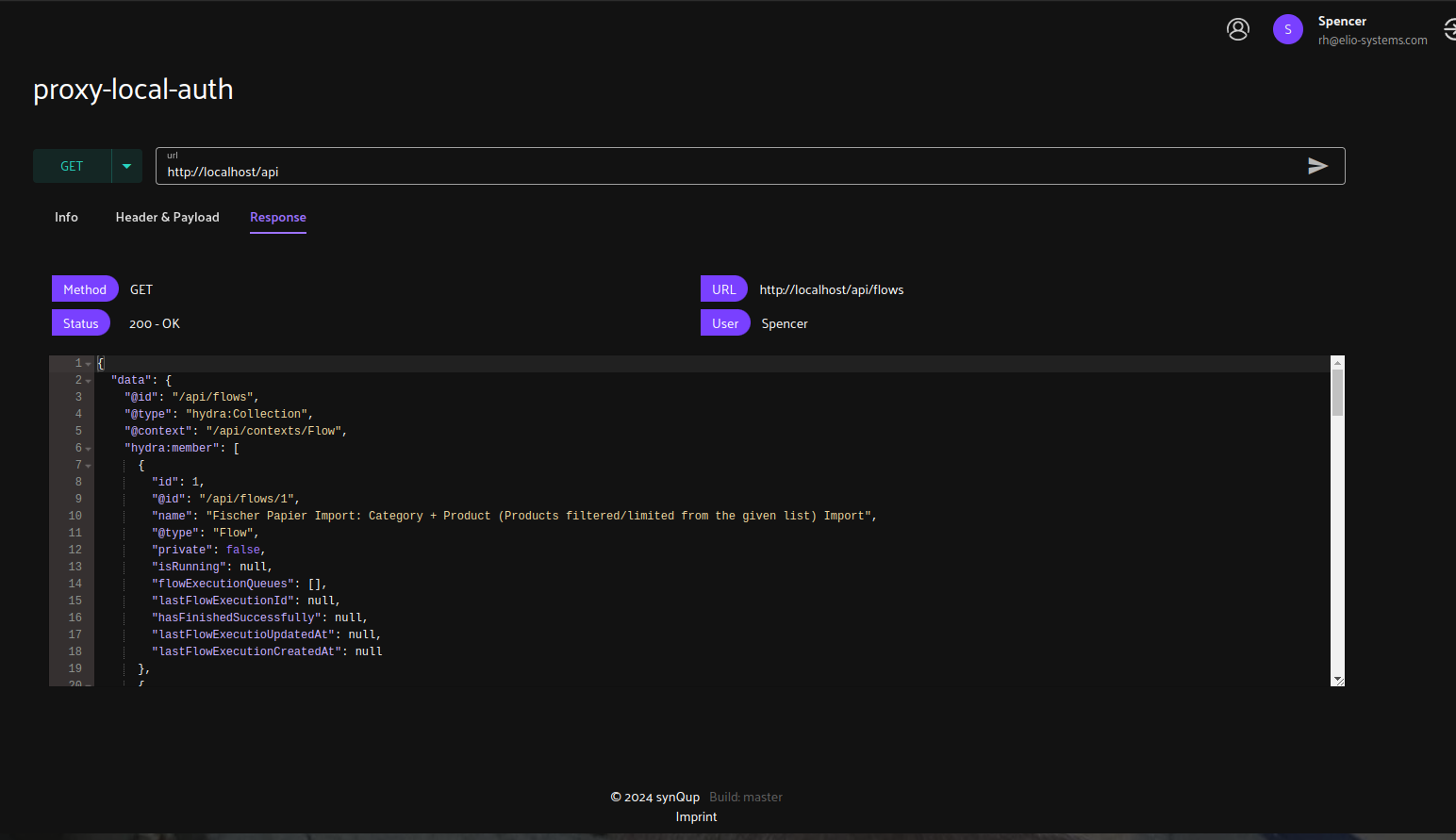
UI Screenshots:
CRUD Table
Create/Update Modal
Proxy Sending (Info Tab)
Proxy Sending (Header Tab)
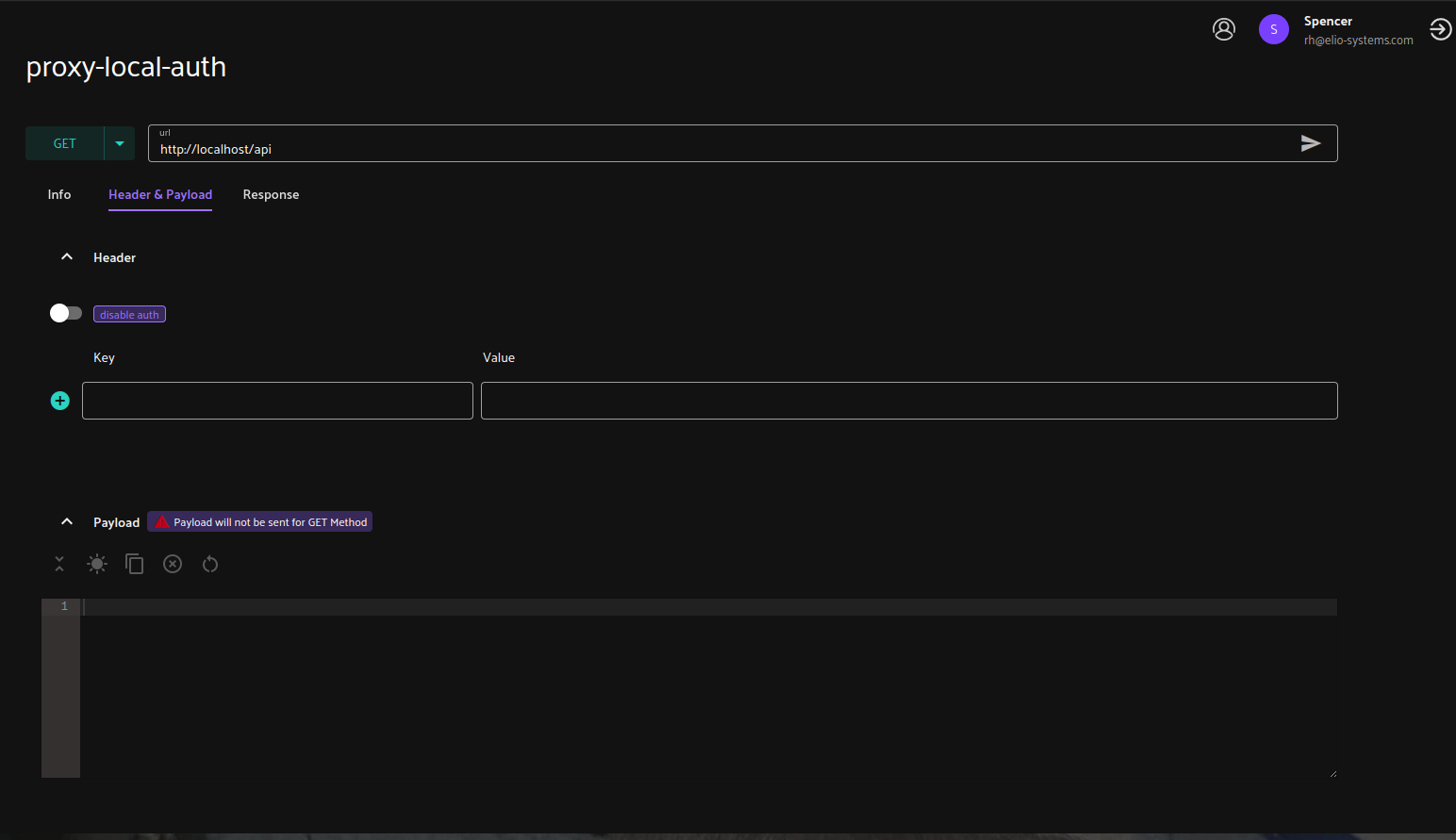
Proxy Sending (Response Tab)